Webshop

Sell your catalogue online and stop retyping orders.

Your products, prices and stock already live in Ekeko. Choose which articles go online, and each paid order arrives with its customer, its invoice and the stock already reserved.
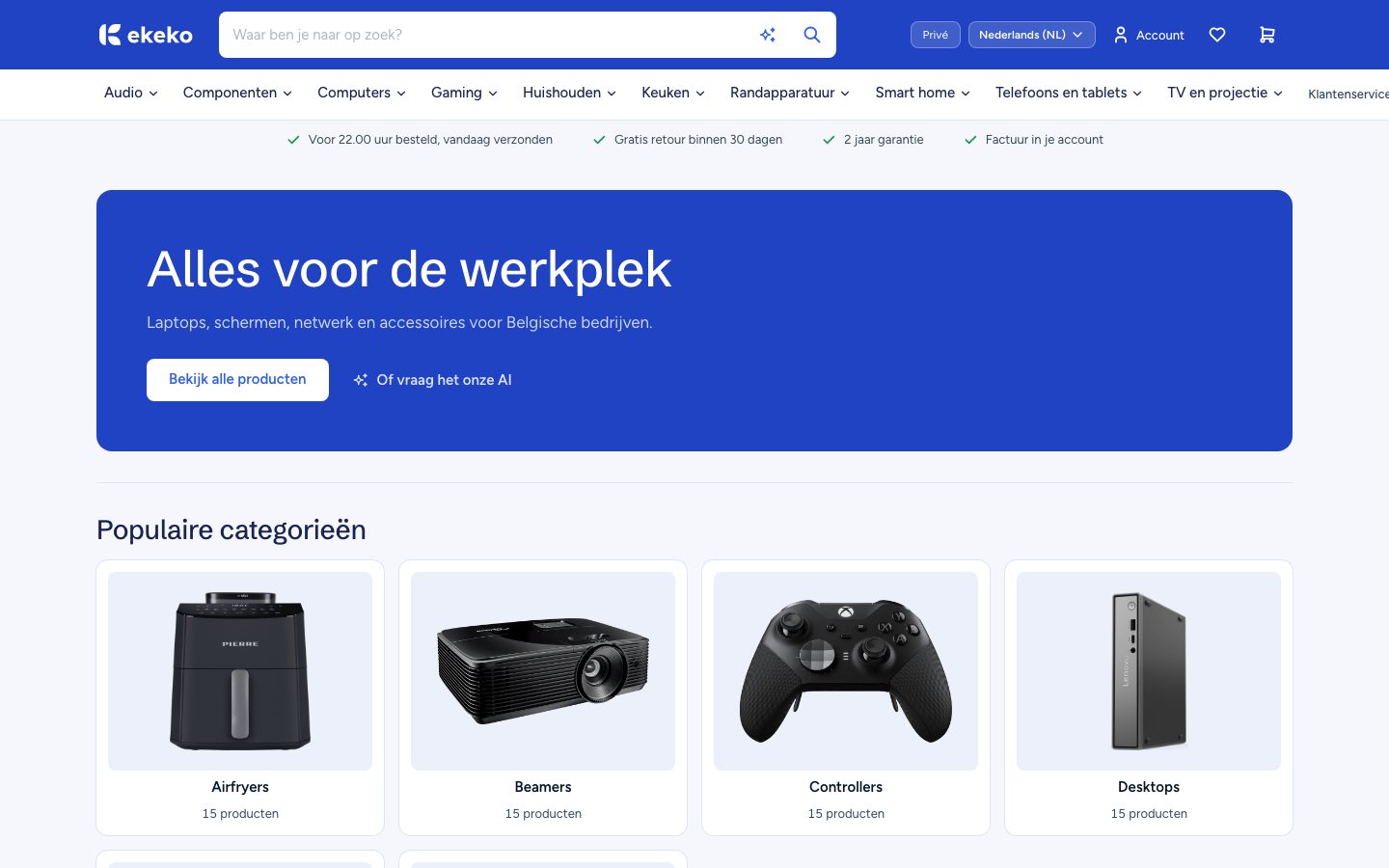
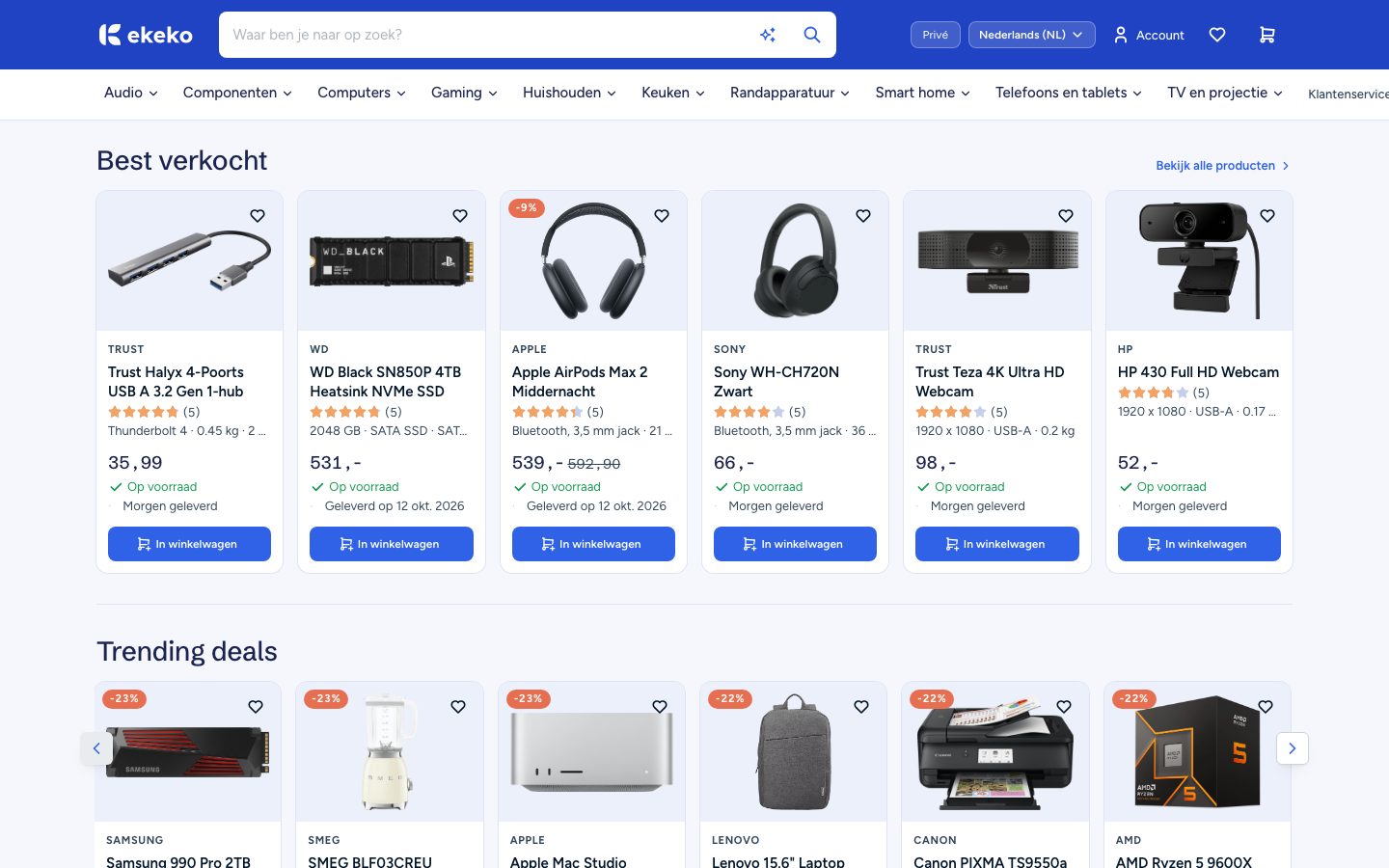
The home page of an online shop with a search bar, a menu of product categories and a banner.
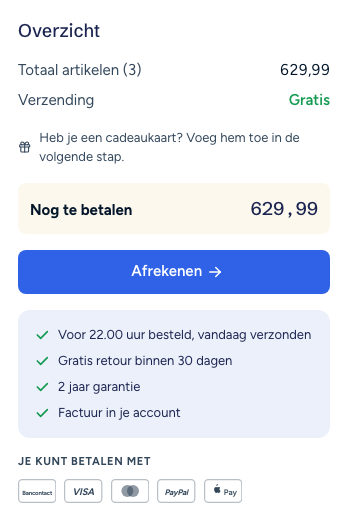
The order summary of a shopping basket with the total and a checkout button.
In short

The Ekeko webshop sells the catalogue that Belgian SMEs already keep for their quotes and invoices. You choose which articles go online, and each paid order arrives with its customer, its invoice and the stock reserved. Visitors can also ask a shopping assistant what they need.

What's all in there?

Your shop runs on the catalogue and stock you already keep. Every order then follows the same route as any other sale.

No double work

Your webshop shows the stock your warehouse really has.

Products, prices and stock stay in the catalogue your quotes and invoices already use. The shop counts what is free in your warehouse, so a customer cannot order what is already reserved, unless you allow backorders.

The stock of an article in the catalogue, per variant and per location, next to the article details.
A real webshop

Customers check price and stock, then order and pay without calling you.

The shop shows every article you mark as visible, so there is nothing separate to build. Customers check out and pay in Dutch, French or English, and can use a discount code or a gift card.

Rows of popular products in the shop, with their prices, their stock and a button to add them to the basket.
Ask in plain words

Visitors who cannot name the product still find the right one.

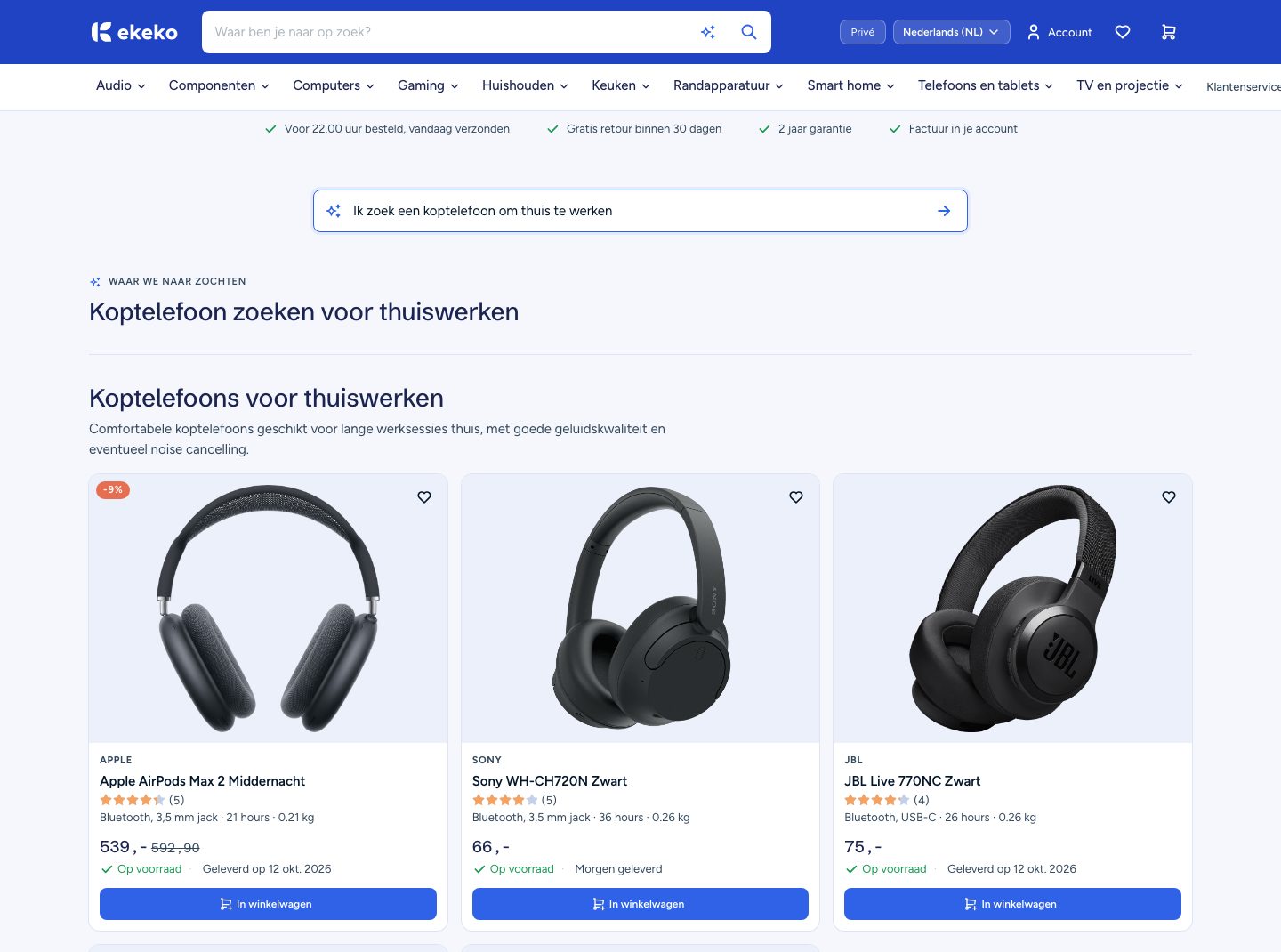
A visitor tells the assistant what they need, for example headphones for working from home, and sees matching products, plus what goes with them. The assistant works from your categories and brands, and every product it shows comes from your own catalogue.

The shopping assistant answering a request for headphones for working from home with matching products.
From payment to shipping

A paid web order arrives with its customer and invoice.

When a customer pays, the order gets its number, the stock is reserved and the invoice is made. A new customer is added to your CRM. You ship from the order, and the delivery note follows.

A paid web order in the back office with its lines, its customer and a link to the invoice.
Sizes, colours, lengths

The size or colour a customer picks is the item you pack.

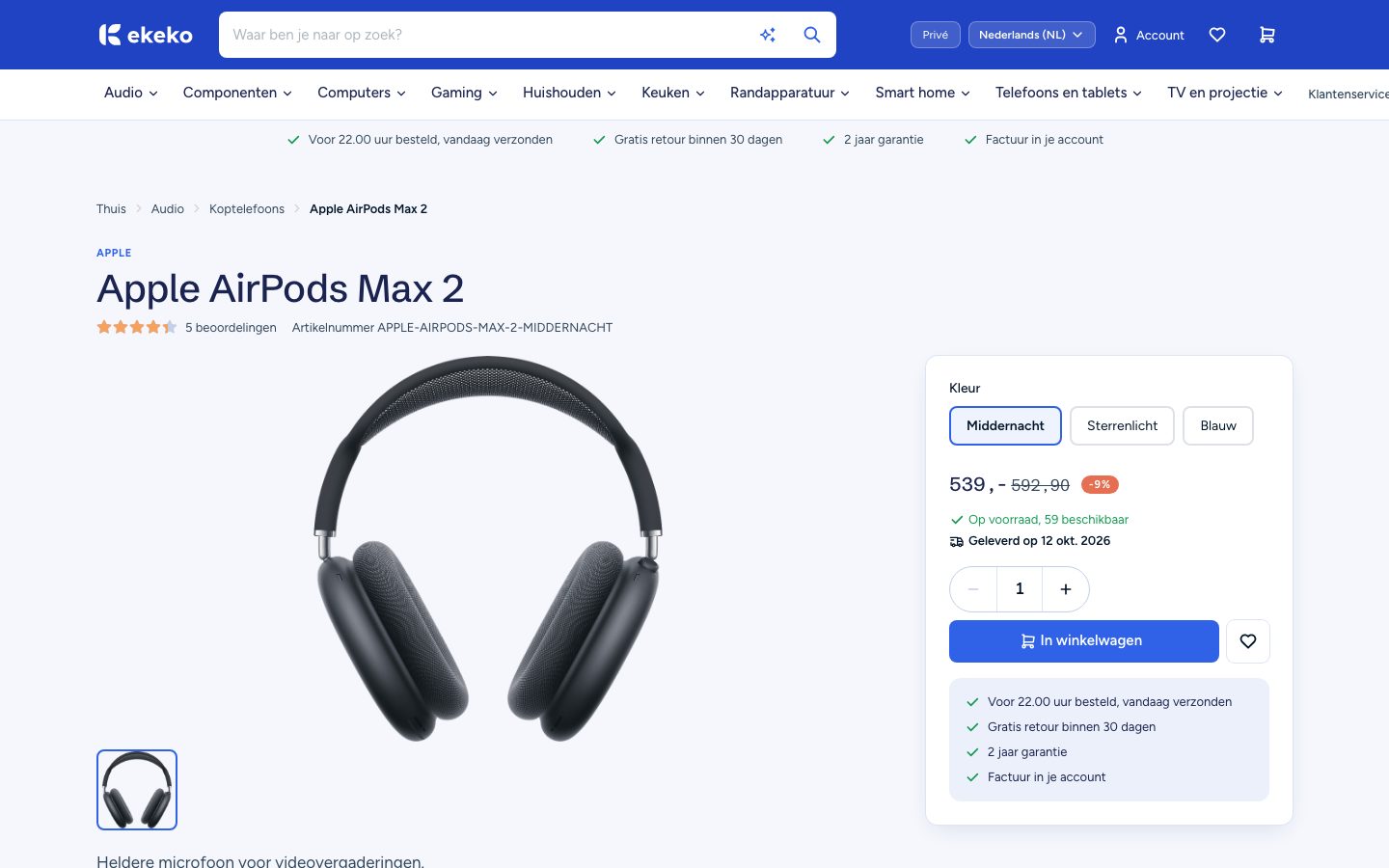
A cable in three lengths is one product with three variants. Each has its own item number, price, photo and stock, so the order names the exact one to pick. A bundle sells as one article, and the warehouse still picks each part.

A headphones product page where the customer picks a colour and sees the price, the stock and the add to basket button.
Filters and specs

The specs customers ask about are on the product page.

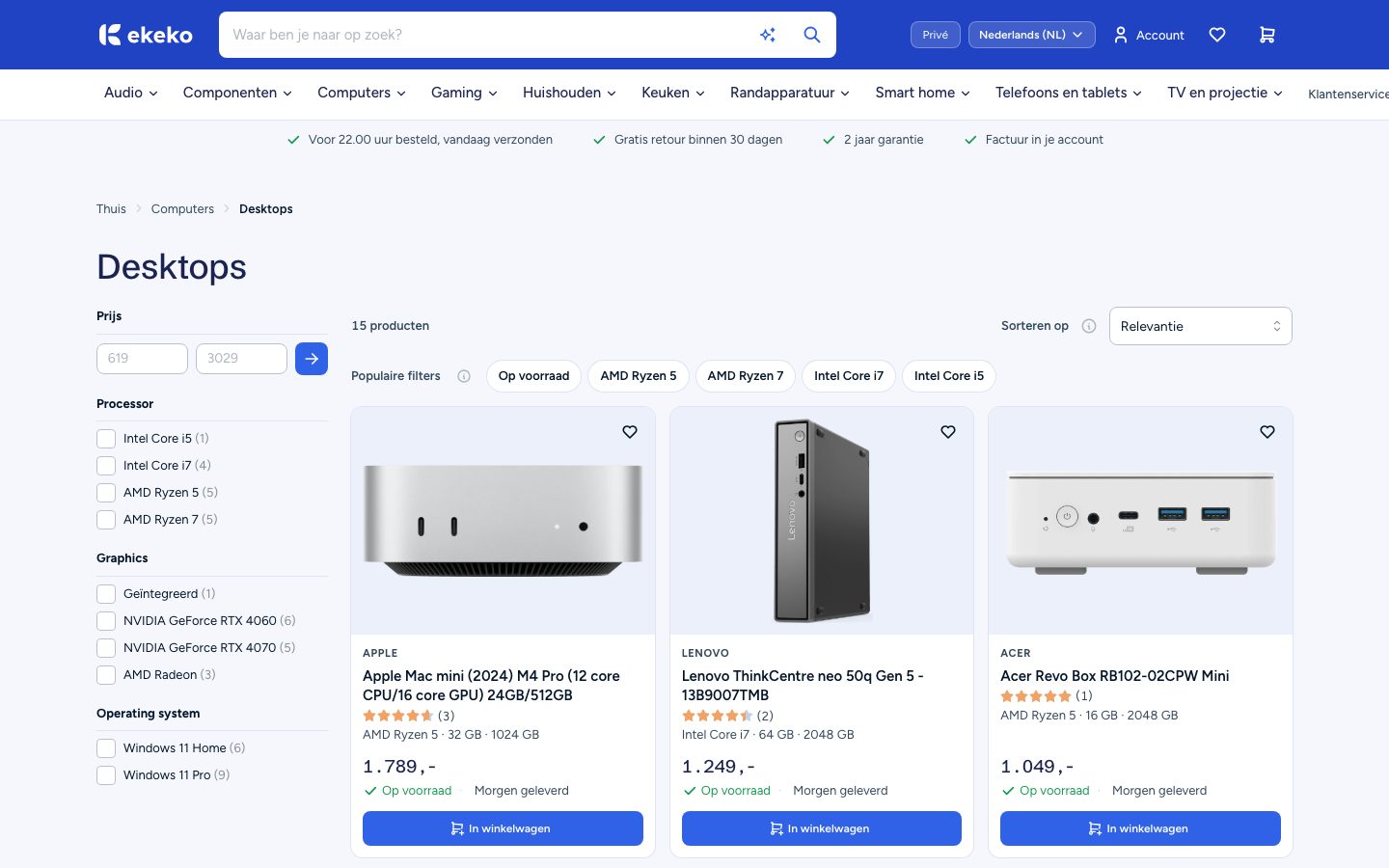
Add a property once, for example power in kW or a connection type, and every product has it. Mark a property with a list of choices as filterable and it becomes a shop filter. Every property you fill in shows on the product page.

The desktops product list with filters on processor, graphics and operating system next to the products and their prices.
FAQ

Frequently asked questions

Ready to see your catalogue as a webshop?

Book a demo and follow one order from the basket to the invoice and the delivery note.